One person per photo
Crop group shots so each image shows only one face. The sample band was made from ten separate photos.
Turn your friends into a desk band. Upload one photo per person and the AI puts your whole crew behind the tiny desk, from the lead singer to the sax solo.



Made from these 10 photos
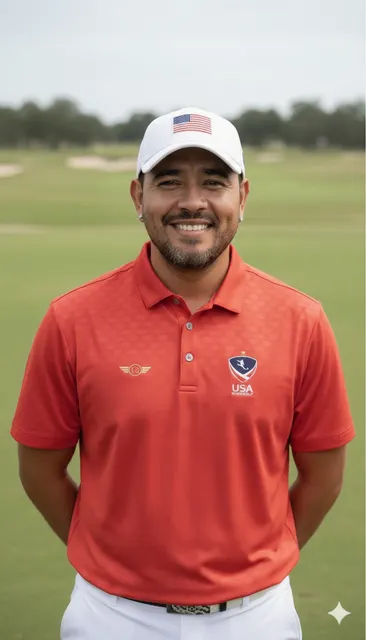
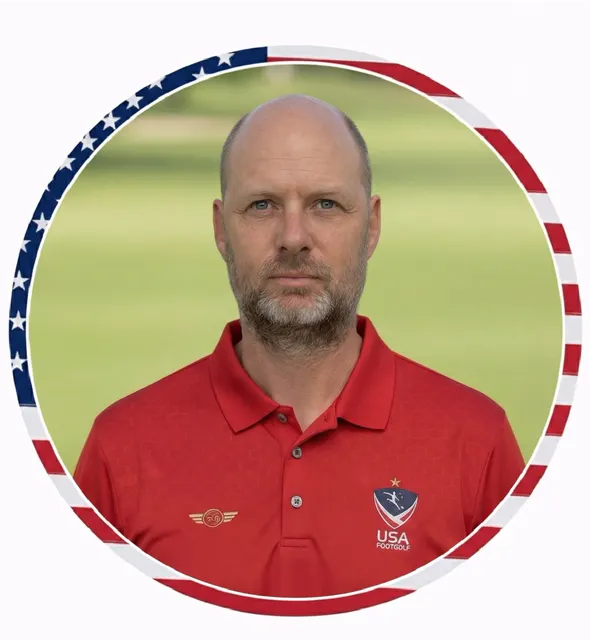


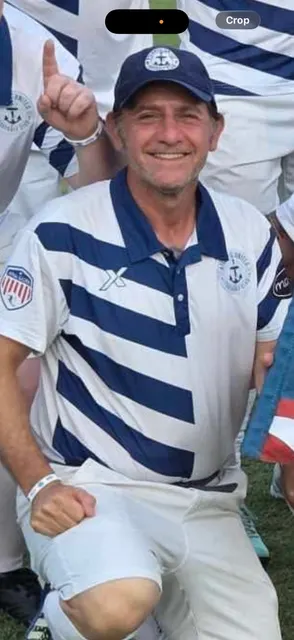
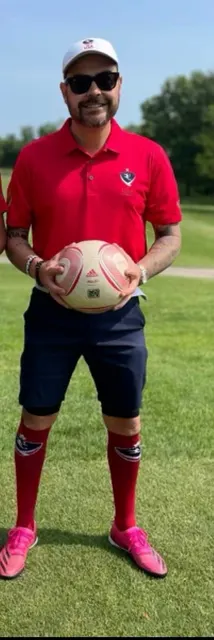
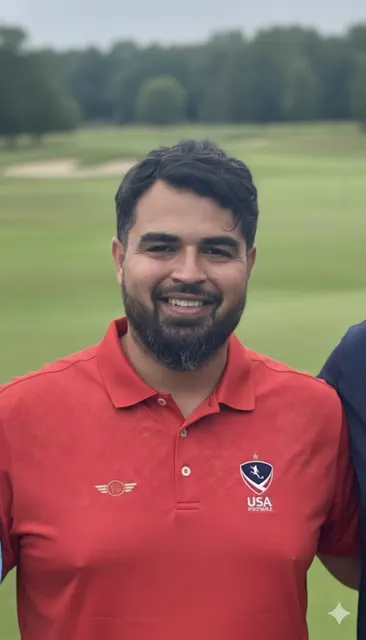
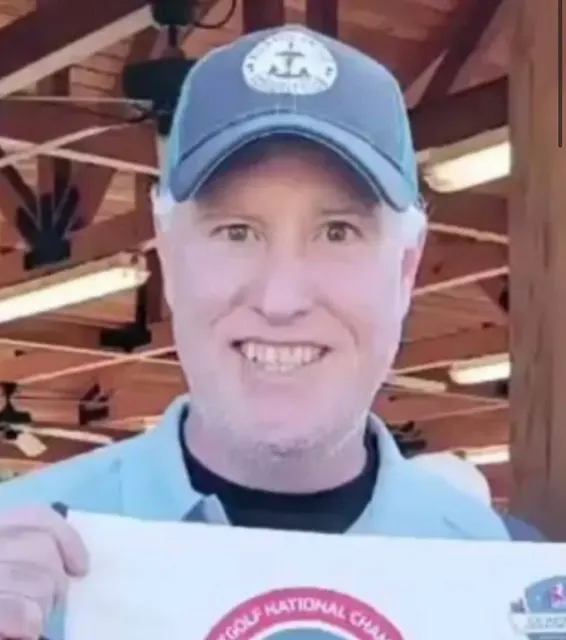
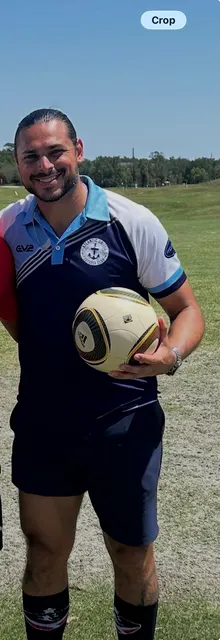
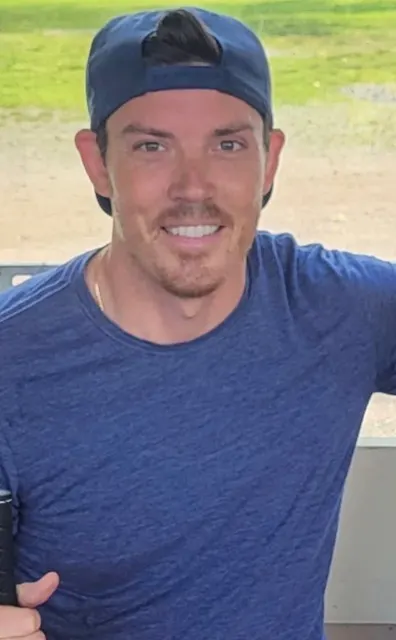
One clear photo per person; they replace the ten sample photos in order.
The clip and prompt are set: the prompt makes @Image4 the lead, so put your frontman there.
Ready in about 10 minutes, vertical and with the original audio.
NPR Music's Tiny Desk concerts squeeze whole bands behind an office desk in front of packed bookshelves. The Tiny Desk AI video trend puts new faces into that set: the clip behind this template has a row of college football coaches at the desk, singing into headset mics, playing the keyboard and taking a sax solo.
This template does the same with your own people. Upload one photo per band member and the AI rebuilds the performance with your crew: one lead singer up front, everyone else on backup vocals or an instrument, all dressed alike. No filming and no editing app: the set, the song and the camera cuts are already in the template, so you only choose the cast.
The friend group: turn your group chat into the band nobody asked for but everybody wants to see.
The office crew: your teammates, your boss and that one coworker who always steals the show, finally on the same stage.
Your team: a club, a league side or a game-day crew in matching shirts, like the ten teammates in the example above. Ask everyone before you use their photo.
Crop group shots so each image shows only one face. The sample band was made from ten separate photos.
Well-lit, front-facing photos work best. Skip sunglasses, masks and hands in front of the face.
The prompt puts everyone in the lead singer's polo. Edit that line if you'd rather keep everyone's own outfits.
Only use photos of people who agreed to it, especially when you plan to tag them in the post.
FAQ
A short AI-made video that puts people behind a Tiny Desk-style set: a crowded desk, bookshelves, microphones and instruments. This template turns your photos into that kind of desk-band performance, keeping the song, the cuts and the timing of the original clip.
One clear photo per band member. The example uses ten, and you can add up to 20. Your uploads replace the sample photos in order; if your band is smaller, remove the samples you didn't replace, or those strangers stay in the band.
The prompt names one photo as the lead singer: @Image4 in the example. Put your lead's photo in that slot or change the number in the prompt. Everyone else becomes a backup singer or plays an instrument. The AI decides the final placement, so it can differ from what you asked.
Close, but not frame-perfect. Faces come from your photos, while the set, the instruments and the moves come from the clip. In a big band some people only show up in the background, mouth movements may not match every word, and how closely each face matches depends on the photos you upload.
The source clip is 19 seconds long, so it costs 57 credits at 480p, 133 at 720p or 209 at 1080p. The exact cost is shown on the Generate button, a video is usually ready in about 10 minutes, and failed generations are refunded automatically.
Not unless you choose to. Videos you make are private by default. If you make a video public or share it, it is shown in the public Community feed, together with the photos and prompt used to make it, and you can make it private again at any time. Deleting a video from your history also removes it from Community.
Yes, for personal posts. The video is vertical (9:16) with the audio of the original clip, so it fits TikTok, Reels and Shorts as it is. The song belongs to its owners, and this template does not give you the right to use it commercially. If a platform mutes or flags the music, replace the sound with one from its library, and turn on the AI-generated label when you post.
Only with their permission. Do not upload photos of people without their consent, and do not use the template to impersonate, harass or mislead anyone.
No. Genjutsu is an independent AI video tool and is not affiliated with, endorsed by or sponsored by NPR, NPR Music, Tiny Desk Concerts, Charlie Wilson or The Gap Band. "Tiny Desk" here only describes the style of the video.
Want a different trend? Upload any clip to the Genjutsu AI video generator and recreate it with your own photos.
Upload your photos and put your crew behind the tiny desk. Give your group chat a new favorite video, no subscription needed.
Create My Tiny Desk Video