Match the two photos
Photos with similar lighting and framing give a balanced result, so neither person looks pasted in.
Put you and a friend in the orange booth. Add two photos and the AI recreates the famous rap duo performance with the two of you in it.
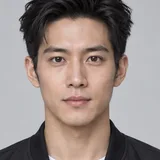

Made from these 2 photos
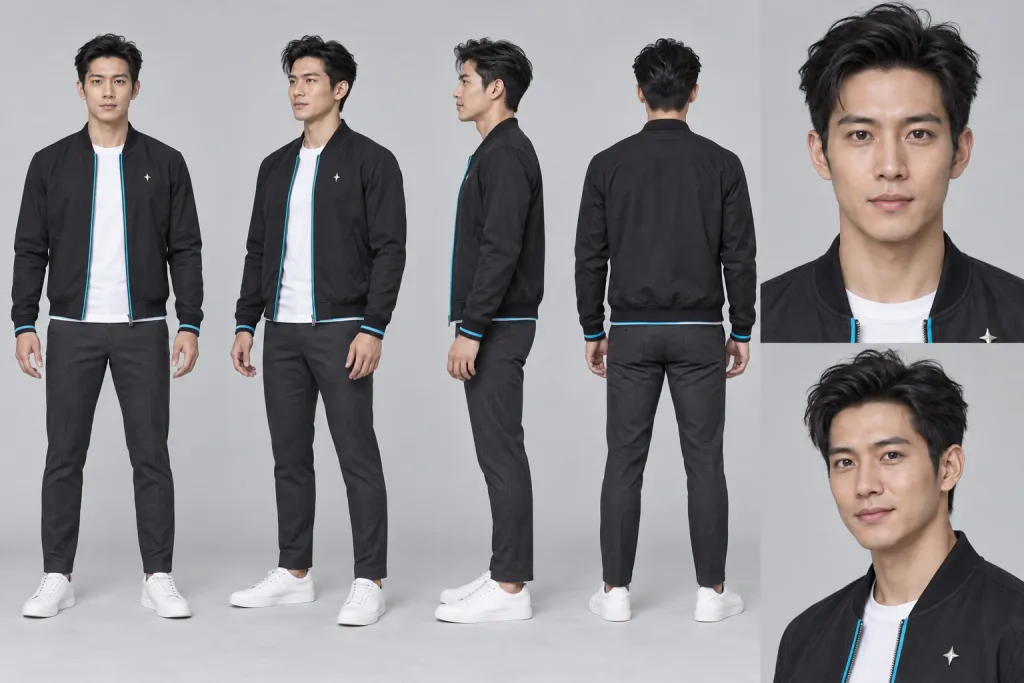
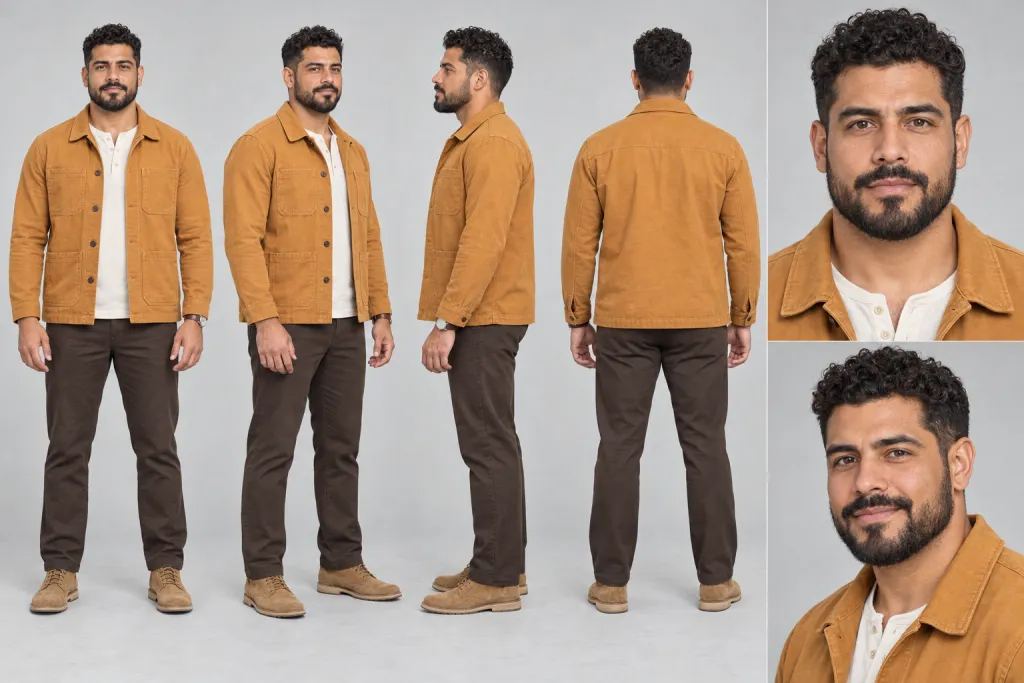
One clear, front-facing photo per person. The first photo becomes the performer on the left.
The Hotel Lobby clip and prompt are already set. Just pick a resolution.
Ready in about 10 minutes, with the original audio.
The Hotel Lobby trend comes from Quavo and Takeoff's "Hotel Lobby" performance for A COLORS SHOW: two rappers in one bright orange booth. In the AI version, two new faces take their places: you and your best friend, a couple, or anyone you tag.
People call it the Hotel Lobby AI video, the Migos AI trend or the AI rap duo. Many apps make you hunt for a template or install something first. Here you upload two photos and the AI does the rest: it places both people in the orange booth, animates them and has them perform the verse.
Photos with similar lighting and framing give a balanced result, so neither person looks pasted in.
Expressions and mouth movements carry this clip. Use well-lit faces without sunglasses, masks or hands in front of the mouth.
Crop group photos so each image shows only the person you want in the booth.
Only use photos of people who agreed to it, especially when you plan to tag them in the post.
FAQ
It recreates Quavo and Takeoff's "Hotel Lobby" performance for A COLORS SHOW with two new people in the orange booth, made by AI from two photos.
Yes. The template is made for a duo, so add one clear photo for each of the two people.
Photos are matched in order: the first photo becomes the performer on the left and the second photo the performer on the right. To switch places, reverse the order of the two photos.
Close, but not frame-perfect. This template uses motion transfer: faces, and outfits when they are visible, come from your photos, while the orange set, the microphone and the moves come from the clip. Mouth movements follow the performance but may not match every word, and how closely each face matches depends on the photos you upload.
The source clip is 24 seconds long, so it costs 72 credits at 480p, 168 at 720p or 264 at 1080p. The exact cost is shown on the Generate button, a video is usually ready in about 10 minutes, and failed generations are refunded automatically.
Until you buy a credit pack, the videos you make are shown in the public Community feed, together with the photos and prompt used to make them. Once you have bought credits, new videos are private by default and you can switch any video between public and private. Deleting a video from your history also removes it from Community.
There is no live filter to point your camera at. The Hotel Lobby AI videos you see are generated from photos, which is what this template does: it works like a filter, but for two people at once and without filming anything.
Yes, for personal posts. The video is widescreen (16:9) with the audio of the original performance; post it as it is or crop it to vertical in your editing app. The song and the original performance belong to their owners, and this template does not give you the right to use them commercially. Some platforms mute or flag copyrighted music; if that happens, replace the sound with one from the platform's library, and turn on the AI-generated label when you post.
Only with their permission. Do not upload photos of people without their consent, and do not use the template to impersonate or mislead anyone.
Want a different trend? Upload any clip to the Genjutsu AI video generator and recreate it with your own photos.
Upload two photos and put you and a friend in the orange booth. No subscription needed.
Create My Hotel Lobby Video