Show the whole car
Keep the bumpers, roof and wheels inside the frame. With a cropped or close-up shot, the AI has to guess the rest.
Turn a photo of your car into the viral flying car video. The AI drives it up a vertical ramp, flips it off the top and lifts it off on rocket thrusters.
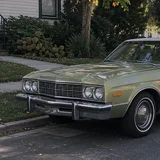
Made from this photo
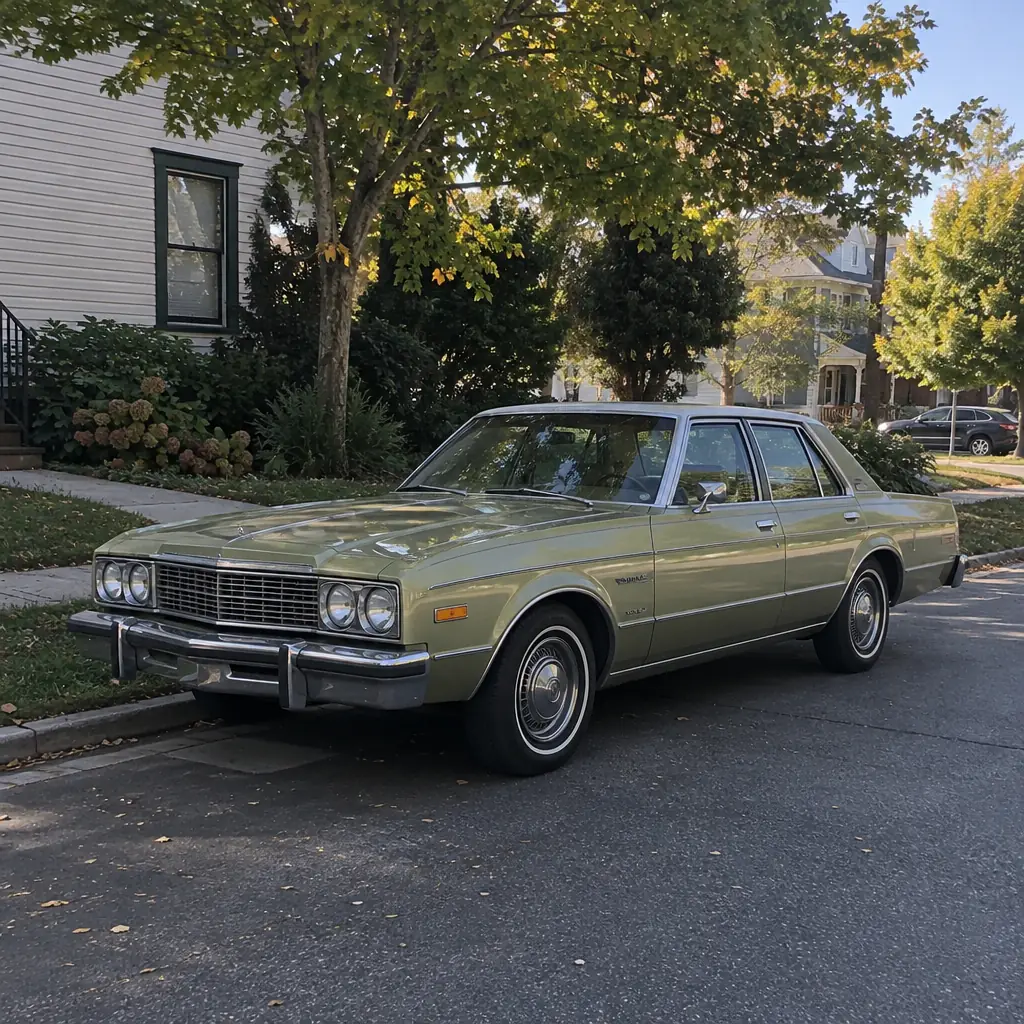
One clear photo that shows the whole car, ideally from the front at an angle.
The flying car clip and prompt are already set. Just pick a resolution.
Ready in about 10 minutes as a vertical 9:16 video.
On October 15, 2026, Tesla showed its new Roadster at a SpaceX site in Texas. With the help of thrusters, the car briefly left the ground and flipped in the air, and the clips spread online as the "flying car" video. A flying car AI video puts your own car into that kind of stunt: upload one photo and the AI makes it race up a vertical ramp, flip off the top and hover over the smoke on rocket thrusters.
It is made for car photos: the car you drive every day, a family classic or the one you are saving up for. You don't need to film anything, own a sports car or know how to edit video.
Not in the way the headlines suggest. The new Roadster was first shown in 2017 and its launch has been pushed back several times. At the October 2026 event it used SpaceX rocket technology for a short hop and a flip; it is not a car that can keep flying like a plane, and when it will reach customers, and whether its thruster features will ever be allowed on the road, is still unconfirmed.
That gap is part of the fun: a real flying car is still years away, but a flying car video of your own car takes about 10 minutes.
Use the car you actually drive and post it with a caption like "my car after the update". Bring back a parent's or grandparent's old car from a family photo. Or try the car you dream about and see what it looks like taking off.
Keep the bumpers, roof and wheels inside the frame. With a cropped or close-up shot, the AI has to guess the rest.
A photo that shows the front and one side gives the AI what it needs for the ramp, the flip and the hover.
Daylight or even light works best. Avoid night shots, strong reflections and heavy filters.
Crop out other cars and people so the AI knows which car to put on the ramp.
FAQ
No. The template takes a ramp, flip and thruster stunt like the clips that went viral after Tesla's Roadster reveal and puts your car in it. The result is an AI-generated video, not real footage, and Genjutsu is not affiliated with Tesla or SpaceX.
No. One clear photo of a car is enough: your own car, a family car or a car you like, as long as you have the right to use the photo.
Close, but not exact. The color and overall style come from your photo, while the ramp, the smoke, the camera moves and the thrusters come from the clip. Details can change: in the example above, the car came out with a white roof that the photo doesn't have. A clear photo from the front at an angle gives the closest match.
The source clip is 24 seconds long, so it costs 72 credits at 480p, 168 at 720p or 264 at 1080p. The exact cost is shown on the Generate button, a video is usually ready in about 10 minutes, and failed generations are refunded automatically.
No. The original clip is silent, so the result is too. Add engine sounds or a song in your editing app or from the platform's sound library before you post.
If you don't want your real plate number in the video, blur it in the photo before you upload. This matters most before you buy credits, while the videos you make are public.
Until you buy a credit pack, the videos you make are shown in the public Community feed, together with the photos and prompt used to make them. Once you have bought credits, new videos are private by default and you can switch any video between public and private. Deleting a video from your history also removes it from Community.
Yes. The video is vertical (9:16), so it fits TikTok, Reels and Shorts as it is. Turn on the AI-generated label when you post, and don't present it as real footage, for example in a car listing.
You don't need to install one. Genjutsu runs in the browser on your phone or computer: upload a car photo, press Generate and let the flying car AI generate the video in the cloud.
Want a different trend? Upload any clip to the Genjutsu AI video generator and recreate it with your own photos.
Upload one photo of your car and watch it take off. No subscription needed.
Make My Car Fly