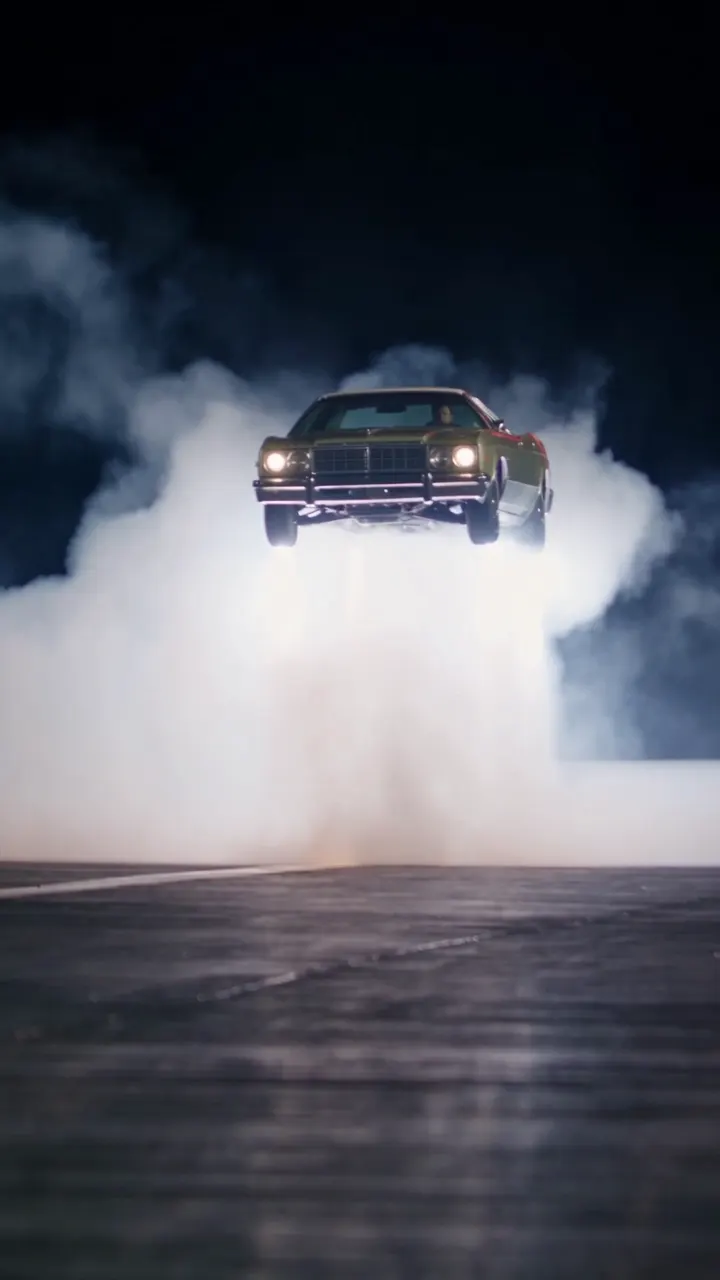
Motion transfer
Keep only the movement and camera of a reference video and let Genjutsu AI rebuild everything else from your images. Dance trends, runway walks and action shots take on your own characters while the choreography stays intact.
Pick a viral video from the community or upload your own clip, add your photos, and Genjutsu AI copies the motion, camera and timing onto your own characters.
Templates
Start from a trending video: pick a template, add your photo and generate your own version.
Features
Keep only the movement and camera of a reference video and let Genjutsu AI rebuild everything else from your images. Dance trends, runway walks and action shots take on your own characters while the choreography stays intact.
Recreate two-person skits, duets and group dances. Add one photo per performer, cite each one in the prompt as @Image1, @Image2 and so on, and tell Genjutsu AI who plays which role.
Every community remix shows the original clip, the sample references and the prompt behind the result. Replace the samples with your own photos and press Generate to make your version.
Add faces, outfits, products and places. Each image gets a number you can cite in the prompt as @Image1, @Image2 and so on, so the model knows which reference goes where.
Upload an MP4 or MOV clip of 4 to 30 seconds instead of a community remix. Genjutsu AI takes the motion and camera from your clip and builds everything else from your photos.
Choose 480p for quick tests, 720p for social posts or 1080p for the final cut. The credit cost appears on the Generate button before you start.
Overview
Genjutsu AI is a video-to-video model developed by Higgsfield and released at the end of August 2026. Instead of describing a whole scene from scratch, you start from a clip that already works, such as a viral dance, a product reveal or a cinematic walk, and tell the model what to change. The motion, timing and camera come from the source video; the people, products and places come from your images.
It is built for motion transfer: the model reads only the movement and camera of the reference video and renders a new clip around your characters, so a dance, a walk or a stunt keeps its timing while the people, outfits and setting come from your photos. Source clips run from 4 to 30 seconds, and results come back in up to 1080p.
Genjutsu.app is an independent site that runs the same Genjutsu model as Higgsfield, so every Genjutsu AI video you make here comes from that model. What we change is everything around it: you don't need a subscription, credit packs never expire, failed generations are refunded automatically, and 100+ community remixes are ready to remake with your own photos.
How it works
Browse the community wall and open any clip to see the original video, the references and the prompt, or upload your own MP4 or MOV file of 4 to 30 seconds.
Upload faces, outfits, products or places. Your images replace the samples in order, and you can cite them in the prompt as @Image1, @Image2 or keep the original prompt as it is.
Pick 480p, 720p or 1080p, check the credit cost and press Generate. Your Genjutsu AI video appears in the Custom tab within minutes, ready to download, share or recreate.
Use cases
Join a dance or meme trend without filming anything: Genjutsu AI transfers the moves of the original clip onto your own photo.
Reuse a proven viral format with your own creator or spokesperson: Genjutsu AI keeps the pacing and camera work that made the original perform.
Put one model in different outfits, or one outfit on different models, while the walk and the camera stay identical.
Bring an illustrated character or brand mascot into live-action motion taken from a real performance.
Guide
A few habits that keep faces, products and motion intact when you use Genjutsu AI.
The model copies what it can see clearly. Pick clips with a steady subject, readable body movement and few hard cuts; one continuous shot transfers far better than a fast montage.
Use well-lit photos in which the face, outfit or product fills a good part of the frame. Front-facing portraits keep identities stable, and product shots on a plain background give the cleanest shape and label. Add a second angle when the subject turns away from the camera.
Short prompts work best. Say who goes where, for example "@Image1 dances like the person in @Video" or "@Image2 plays the person on the right", and leave the movement to the source clip.
Run a quick 480p draft to check identity and framing, then render the keeper at 720p or 1080p. A failed run costs nothing, because its credits go straight back to your balance.
FAQ
Yes. Your videos are generated by the same Genjutsu model that Higgsfield offers. Genjutsu.app is an independent site, and the community library, tools and pricing here are our own.
Same model, a different way to use it. Genjutsu.app is built around Genjutsu alone: you can buy one-time credit packs instead of a subscription, and pack credits never expire. Failed or timed-out generations are refunded automatically, every community remix comes with the original clip, sample references and prompt so you can remake it with your own photos, and the exact credit cost is shown before you press Generate.
No. The Genjutsu AI video generator runs on one-time credit packs, so you can buy more whenever you need them. There is no subscription, nothing renews and nothing to cancel.
Credits from one-time packs never expire, and credits refunded from failed generations never expire either. Only the 50 free credits for new accounts are valid for 30 days.
Pricing follows the length of your source clip: 3, 7 or 11 credits per second at 480p, 720p or 1080p. A 5-second video at 720p costs 35 credits. The exact cost is shown on the Generate button before you start.
Failed or timed-out generations are refunded to your balance automatically. You can also get a full refund within 7 days of buying credits if none of them have been used: email support@genjutsu.app and we process it within 24 hours.
Yes. Upload an MP4 or MOV file of 4 to 30 seconds, or start from a community remix.
Yes, subject to our terms of service. Only upload faces, products and videos you have the right to use. Videos made before your first purchase appear publicly in Community, and after you buy credits new videos are private by default. Adult content is not allowed.
Pick a community remix, add your photos and let the Genjutsu AI video generator do the rest. No subscription needed.
Start Creating Now